
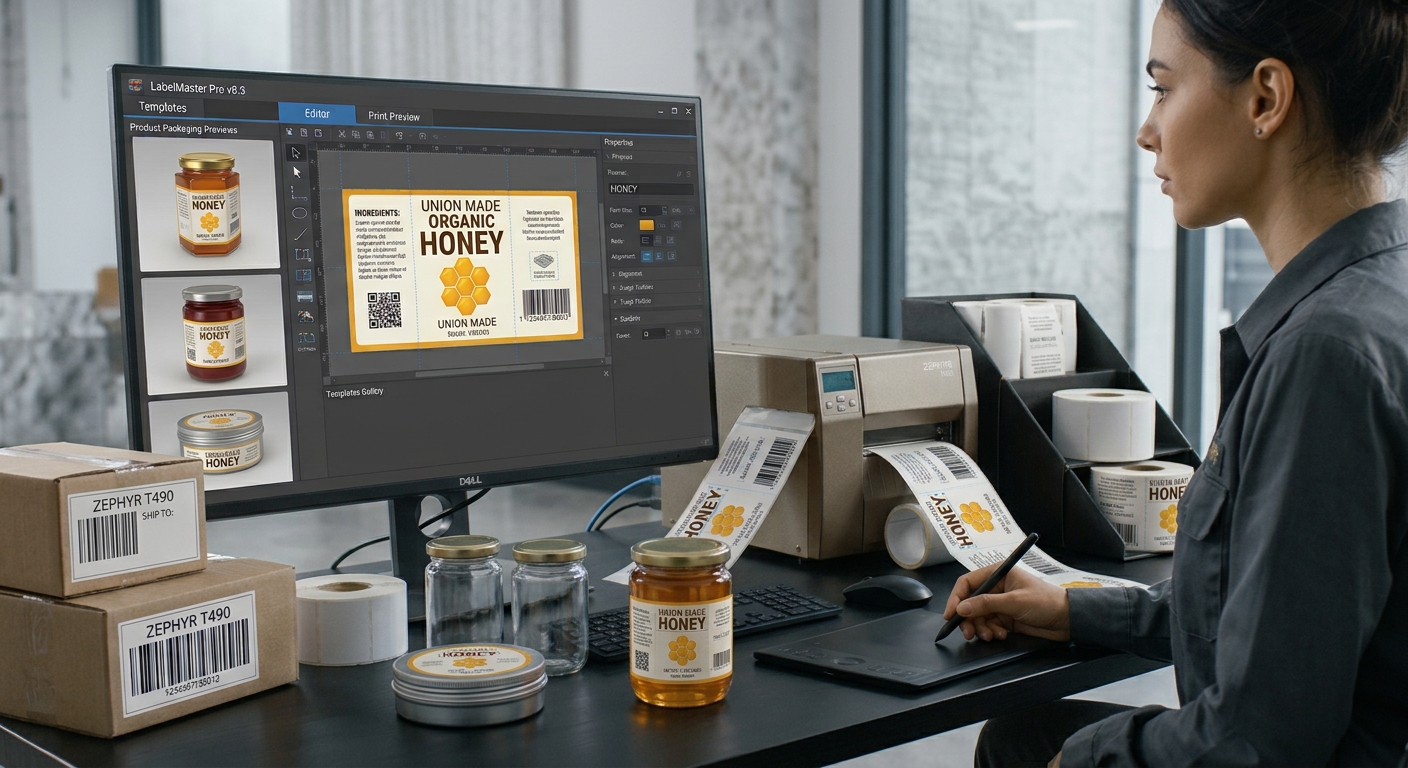
Managing product labels becomes more challenging as a business expands its inventory. New products, changing prices, different package sizes, and multiple product variations can make manual labeling time-consuming and error-prone. Using variable data is a practical way to simplify this process. With suitable barcode label software, businesses can automatically populate labels with information from spreadsheets or databases, helping maintain consistent formatting while ensuring that each barcode represents the correct product information.
Variable data allows a single label design to be reused for many products without manually editing every label. Instead of creating separate designs for each item, businesses can establish a standard template and connect it to a reliable data source. This approach improves efficiency, reduces repetitive work, and supports more accurate product identification.
1. Understand How Variable Data Works
Variable data refers to information that changes from one label to another. Depending on the business, this may include product names, SKU numbers, prices, batch identifiers, serial numbers, or barcode values.
For example, a retailer may sell several colors and sizes of the same product. The overall label design can remain identical, while the product description and SKU change for each variation. The software uses the information assigned to each record to generate the appropriate label.
This method is particularly useful for companies that manage large catalogs or frequently introduce new products. It allows employees to maintain a consistent design without repeatedly creating labels from scratch.
2. Organize Product Information Before Printing
Accurate variable data begins with a well-organized source file. Many businesses use Excel spreadsheets or inventory databases to store product details. Each column should have a clear heading, such as product name, SKU, barcode value, and price.
Every row should represent the correct product or product variation. Avoid unnecessary blank rows, inconsistent naming, and accidental duplicate identifiers. Reviewing the source data before importing it can prevent mistakes from appearing across hundreds of printed labels.
Pay attention to product codes that contain leading zeros. These should be preserved during data import because changing an identifier can cause scanning or inventory problems. Keeping consistent data formats makes the entire labeling workflow more dependable.
3. Connect Data Fields to the Label Template
After preparing the data, connect each field to the appropriate element in the label design. The product name should appear in the designated text area, while the SKU or barcode value should populate the correct identification field.
A well-designed template ensures that the layout remains consistent even when the information changes. Use readable fonts, appropriate spacing, and clear alignment to accommodate different product names and code lengths.
Barcode placement deserves special attention. The encoded value must correspond to the intended product identifier, and the printed symbol must remain clear enough for scanners to read. Different barcode formats have different data requirements, so select a format that suits the intended application.
4. Maintain Consistency Across Product Variations
Businesses often sell products in different sizes, colors, flavors, or packaging formats. Variable data makes it easier to distinguish these variations while maintaining the same overall label appearance.
For example, a food manufacturer may use one template for several package sizes, changing the product description, batch number, and other relevant details for each version. A warehouse can use the same approach for location labels or inventory identification.
However, consistency does not mean every product should use the same barcode value. Each identifier must follow the business's identification rules and any applicable industry requirements. Reusing an identifier incorrectly can lead to confusion during scanning, stock management, and sales transactions.
5. Test Data Accuracy Before Batch Printing
Before printing a large quantity, review the generated labels and compare them with the original data. Check that each barcode matches its assigned product, that descriptions are correct, and that no information is missing or misplaced.
Print a small sample and test the barcodes using the scanners used in your business. Confirm that text is readable and that the label dimensions match your printer settings.
It is also helpful to maintain a master product file and update it whenever product information changes. A controlled source of information reduces inconsistencies between different teams and printing sessions.
Conclusion
Variable data provides a practical way to create accurate, consistent product labels without designing each one individually. By organizing product records, connecting data fields correctly, reusing templates, and testing samples before batch printing, businesses can reduce manual work and minimize labeling errors. With an effective workflow and suitable software, companies can manage changing product information while maintaining reliable barcode identification across their inventory.
#Barcodes #InventoryManagement #DataManagement